 Macadam
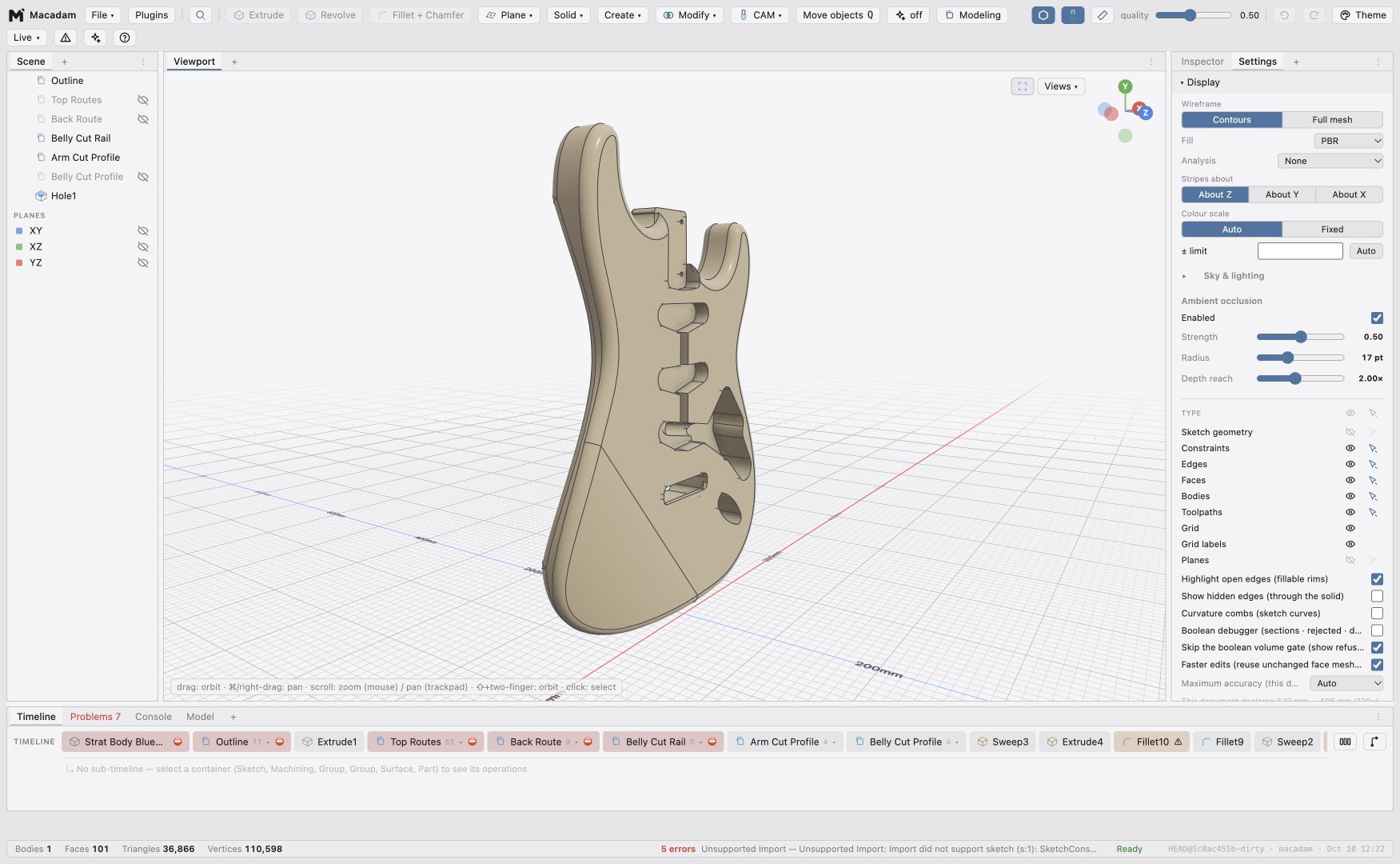
 Dock panels beside one another, group them into tabs, float them, or move them into separate windows. Animated previews show where a dragged panel will land. Save named layouts and switch between them as your task changes.
Create additional panel instances—including viewports with independent camera angles—and build named container tabs. Containers can arrange their children as tabs or compact, collapsible stacks. Display, Units, Navigation, Selection, Diagnostics and Theme settings are panels too.
The Timeline adapts to a tall panel with a column-based layout: selecting a group reveals its contents in the next column. Problems, Console, Model and the dependency graph participate in the panel system.
Explore the complete October preview for the rest of the update.